How Whose Room Works
Whose Room helps shared buildings and groups replace booking guesswork with live calendars, clear team access, and a calmer way to manage rooms.
The system is built around three practical roles: "Building Owners" who run spaces, "Teams" who use those spaces, and "Team Admins" who keep bookings moving for their groups.
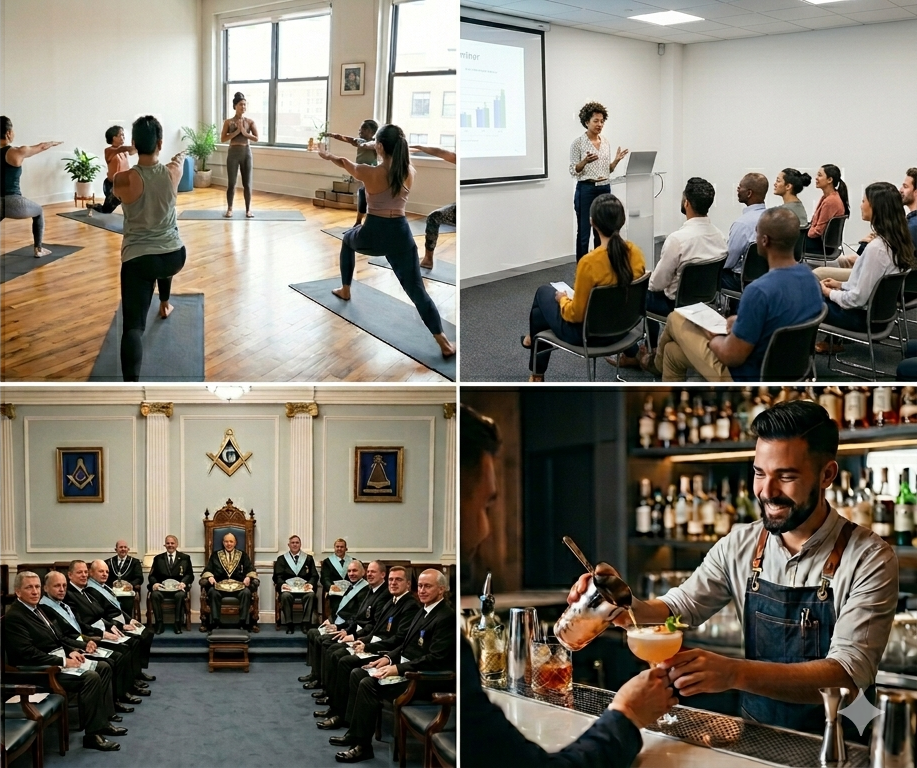
Three roles, one shared schedule
Building Owners/Managers
Set up the building, rooms, calendars, and team access so people can use shared spaces without confusion.
Teams
Give each group a private route into the calendars they are allowed to see, with live booking information in one place.
Team Admins
Let trusted people make and manage bookings for their team, reducing back-and-forth for everyone else.
What this looks like
Managing rooms in a building
A building organiser creates the building, adds rooms, and sets up a calendar. To connect a team, its Team Admin shares the Team ID, the organiser enters it, and the Team Admin accepts the email invitation.
Joining as a group member
A member receives an email, follows the link, creates an account, and can then see the booking schedule their group relies on.
Booking for a team
A Team Admin has control over making bookings for the team, helping regular room use stay planned and visible.
Why it helps
Whose Room keeps availability, access, and bookings together. Building Owners/Managers keep control of shared spaces, Teams get useful visibility, and Team Admins can handle bookings without turning every room request into a fresh admin trail.